Cloud architecture documentation is the structured practice of capturing what your system does, why it was built that way, and how its components connect — so that any engineer can understand, operate, and evolve it without tribal knowledge. Done well, it reduces onboarding time, prevents costly misunderstandings during incidents, and gives auditors and compliance teams what they need without a fire drill. This article covers the C4 model for structuring diagrams, Architecture Decision Records (ADRs) for capturing the why, and practical techniques — including auto-generation — for keeping your diagram documentation honest over time.
Whether you are documenting a greenfield AWS workload or trying to retrofit documentation onto a system that has been running since 2021, the same core principles apply: write for the reader who wasn't in the room, keep diagrams close to the code, and treat documentation as a first-class engineering artifact.
Why Cloud Architecture Documentation Fails (and How to Fix It)
Most cloud architecture documentation fails because it is created once, stored in a wiki, and never updated — making it worse than no documentation at all. Stale diagrams actively mislead engineers during incidents and architecture reviews. The fix is not more discipline; it is better tooling and tighter feedback loops between your infrastructure-as-code and your documentation artifacts.
Common failure modes include:
- Diagram drift: A diagram drawn in a whiteboard session in 2023 no longer matches the VPCs, subnets, or services actually deployed.
- Missing rationale: Engineers know what is deployed but not why a particular database engine, caching strategy, or network topology was chosen.
- Audience mismatch: A single mega-diagram tries to serve executives, developers, and security reviewers simultaneously and serves none of them well.
- No ownership: Documentation lives in a shared folder with no clear owner, so nobody updates it when the architecture changes.
Addressing these failure modes requires a deliberate documentation strategy, not just a better diagramming tool.
The C4 Model: A Layered Approach to Diagram Documentation
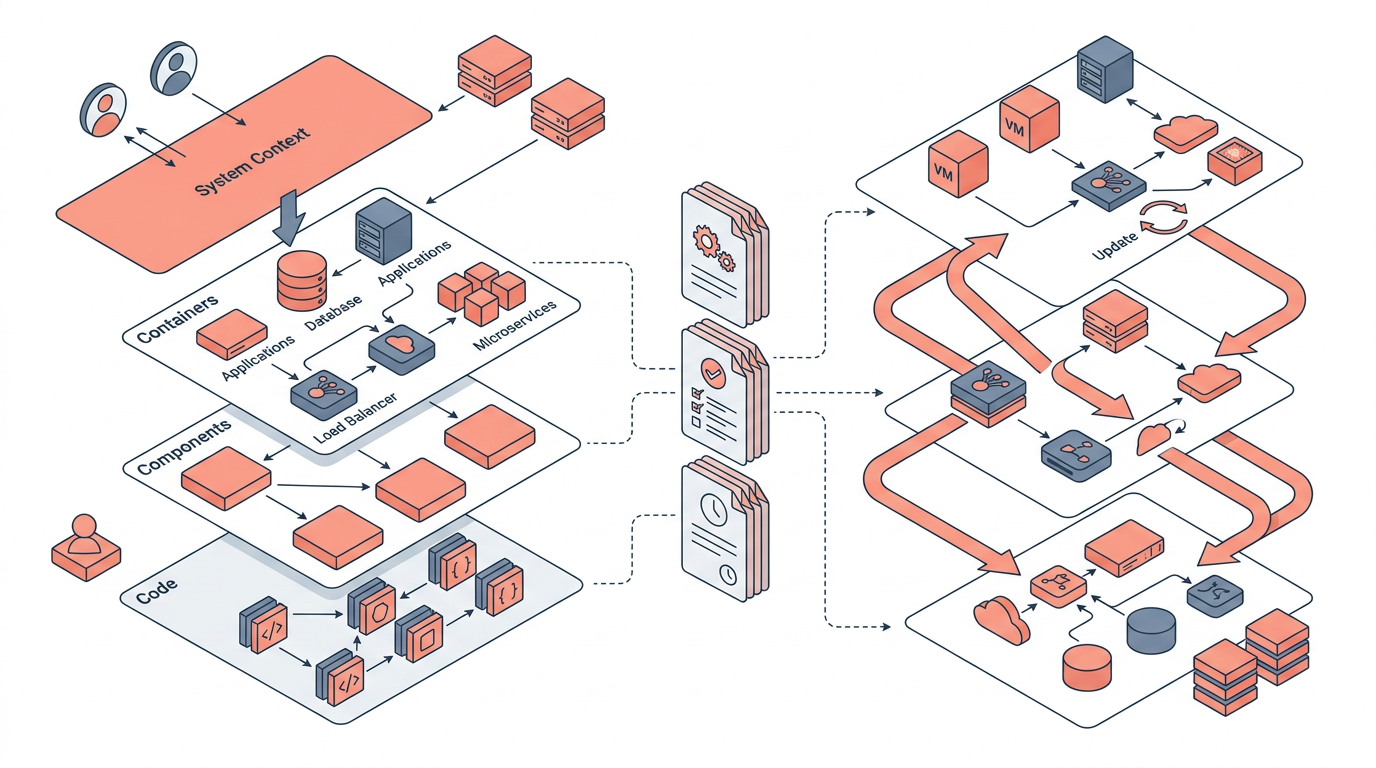
The C4 model, created by Simon Brown, organizes architecture diagrams into four levels of abstraction — Context, Containers, Components, and Code — so that each diagram serves a specific audience without overwhelming them with irrelevant detail.
Each level zooms in progressively:
| Level | Audience | Shows | AWS Example |
|---|---|---|---|
| L1 Context | Executives, PMs | System and external actors | "Our SaaS platform talks to Stripe and Cognito" |
| L2 Container | Architects, senior devs | Deployable units and data flows | ECS services, RDS, S3, API Gateway |
| L3 Component | Developers | Internal structure of one container | Lambda functions inside a service boundary |
| L4 Code | Developers | Class/module relationships | UML class diagram for a specific module |
In practice, most teams find that L1 and L2 diagrams deliver the highest return on investment. L3 is useful for complex services, and L4 is rarely worth maintaining manually — it is better generated from code.
When applying C4 to AWS workloads, map your L2 containers to logical deployment units: an ECS task definition, a Lambda function group, an Aurora cluster, or an S3 bucket with a specific lifecycle policy. Avoid mapping containers one-to-one with AWS resource types; that produces diagrams with hundreds of boxes that nobody reads.
Practical tip: Store your C4 diagrams as code using tools like Structurizr DSL or Mermaid. When diagrams live in your Git repository alongside your Terraform or CDK code, pull requests become the natural review gate for keeping diagram documentation current.
Architecture Decision Records: Documenting the Why
An Architecture Decision Record (ADR) is a short, structured document that captures a single architectural decision, the context that drove it, the options considered, and the consequences of the choice made.
ADRs were popularized by Michael Nygard and have become a standard practice at engineering organizations that need to explain past decisions to future team members. An ADR is not a design document — it is a changelog for your architecture's reasoning.
A Minimal ADR Template
# ADR-0012: Use Aurora PostgreSQL Instead of DynamoDB for Order Data

## Status
Accepted — 2025-03-14

## Context
Order data has complex relational joins across customers, line items,
and promotions. Query patterns were not known at design time.

## Decision
Use Amazon Aurora PostgreSQL Serverless v2 as the primary store
for order data.

## Alternatives Considered
- DynamoDB: Rejected due to unpredictable access patterns requiring
  multiple GSIs and complex denormalization.
- RDS PostgreSQL (provisioned): Rejected due to operational overhead
  of managing instance sizing.

## Consequences
- Positive: Flexible querying, ACID transactions, familiar SQL tooling.
- Negative: Higher cost at low traffic; cold-start latency on Aurora
  Serverless v2 ACU scaling (typically 1-3 seconds).
- Risk: Must revisit if write throughput exceeds ~200,000 WCUs/second.
Store ADRs in a /docs/decisions/ directory in your application repository. Number them sequentially. Never delete or overwrite an ADR — if a decision is reversed, create a new ADR that supersedes the old one and update the old one's status to "Superseded by ADR-0031."
Why ADRs matter for cloud architecture specifically: Cloud services evolve rapidly. A decision to use Kinesis Data Streams over MSK Kafka in 2022 may have been correct then but worth revisiting in 2026 as managed Kafka pricing and operational tooling have changed. An ADR gives the team the context to make that reassessment intelligently.
Keeping Diagrams in Sync with Reality
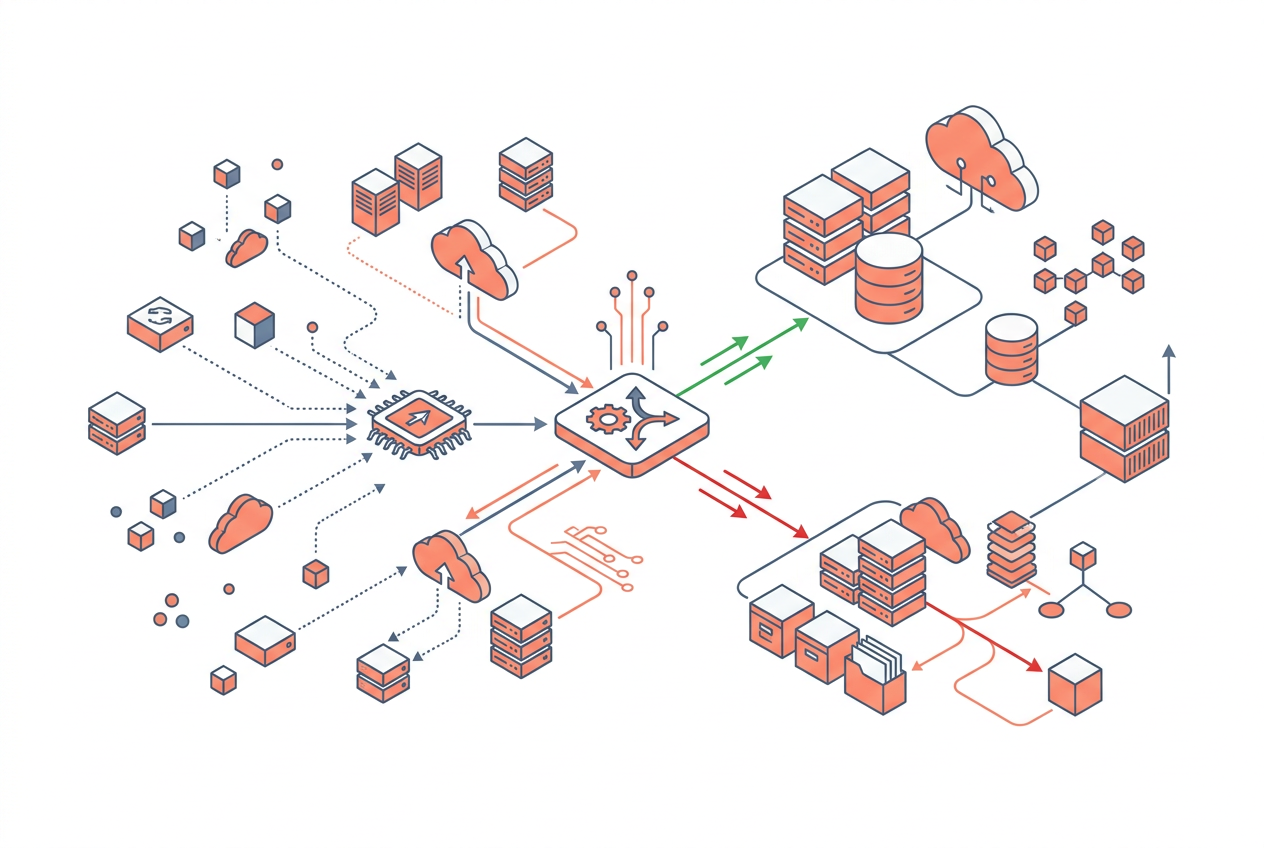
The most reliable way to keep cloud architecture documentation accurate is to generate it automatically from your infrastructure-as-code, rather than maintaining it as a separate manual artifact.
Several approaches exist, each with different trade-offs:
| Approach | Accuracy | Effort | Best For |
|---|---|---|---|
| Manual diagrams (draw.io, Lucidchart) | Low over time | High | One-off presentations |
| Diagrams-as-code (Mermaid, PlantUML) | Medium | Medium | Teams with Git discipline |
| IaC-derived generation (draft1.ai, Inframap) | High | Low after setup | Production workloads |
| AWS-native (CloudFormation Designer, Config) | High for AWS | Low | AWS-only estates |
| Reverse-engineered from live infra | Very high | Medium | Audits, brownfield systems |
Diagrams-as-code is the pragmatic middle ground for most teams. Mermaid diagrams render natively in GitHub, GitLab, and Confluence as of 2024, meaning your architecture diagram lives in the same pull request as the Terraform change that created the new service. Reviewers can see the diagram update alongside the code change.
For AWS-specific workloads, tools like draft1.ai can generate architecture diagrams directly from natural-language prompts or from IaC definitions, producing AWS-icon-accurate diagrams that match the AWS Well-Architected Framework visual conventions. This is particularly useful when you need to produce documentation quickly for a new workload or when onboarding a client who needs to understand an existing system.
AWS Config combined with AWS Systems Manager Application Manager can give you a live view of resource relationships, but this is a runtime inventory, not a design document — treat it as a validation tool, not a documentation tool.
The Documentation Review Checklist
Build this into your architecture review process:
- [ ] Does an L1 context diagram exist and reflect current external integrations?
- [ ] Does an L2 container diagram exist for each bounded domain?
- [ ] Is there an ADR for every significant technology choice made in the last 12 months?
- [ ] Are diagrams stored as code in version control?
- [ ] Has the documentation been reviewed by someone who wasn't involved in building the system?
Auto-Generating Cloud Architecture Documentation
Auto-generation tools reduce documentation debt by deriving diagrams and descriptions directly from your deployed infrastructure or IaC definitions, eliminating the manual synchronization problem entirely.
Key tools in 2026:
- draft1.ai: Converts natural-language prompts into AWS architecture diagrams with correct service icons and connection labels. Useful for greenfield design and for generating documentation from verbal descriptions of existing systems.
- Inframap (open source): Reads Terraform state files and generates a graph of resources and their relationships. Best for brownfield documentation.
- Structurizr: Supports C4 model diagrams defined in DSL, with a workspace that can be shared and embedded. The CLI can be run in CI to validate diagram syntax.
- AWS CloudFormation Designer: Renders a visual diagram from a CloudFormation template. Limited to CloudFormation stacks; does not support CDK or Terraform natively.
- Mermaid + GitHub Actions: A lightweight pipeline that renders Mermaid diagrams to PNG on every push and attaches them to your documentation site.
The key insight is that no single tool covers the full documentation surface. Use auto-generation for structural accuracy (what exists and how it connects), and pair it with manually authored ADRs and narrative context (why it exists and what trade-offs were made). Machines can tell you the topology; only humans can explain the reasoning.
Key Takeaways
- Use the C4 model to organize diagrams by audience: Context (L1) and Container (L2) diagrams deliver the most value for the least effort.
- Write ADRs for every significant architectural decision, storing them in version control alongside your code so future engineers understand the reasoning, not just the outcome.
- Diagrams stored as code (Mermaid, Structurizr DSL) stay closer to reality because they are reviewed in pull requests alongside infrastructure changes.
- Auto-generation tools like draft1.ai and Inframap can bootstrap documentation for new or brownfield systems, but they must be paired with human-authored narrative to be genuinely useful.
- Stale documentation is actively harmful — it misleads engineers during incidents and erodes trust in all documentation. Build review checkpoints into your architecture review process.
- ADRs should never be deleted or edited retroactively — supersede them with new records to preserve the full decision history.
- Treat documentation as a first-class engineering artifact: assign ownership, include it in definition-of-done criteria, and review it in architecture governance processes.
Frequently Asked Questions
What is the difference between an ADR and a design document?
An ADR captures a single, specific decision and its rationale in a short, structured format — typically one to two pages. A design document describes an entire system or feature in detail, covering requirements, design options, and implementation plans. ADRs are meant to be written quickly and accumulated over time; design documents are more comprehensive and less frequently produced.
How many C4 diagram levels do I actually need?
For most cloud workloads, L1 (Context) and L2 (Container) diagrams are sufficient. L3 (Component) diagrams are worth creating for complex services with non-obvious internal structure. L4 (Code) diagrams are almost never worth maintaining manually and should be generated from code if needed at all.
How do I document an architecture I didn't build and have no documentation for?
Start with a reverse-engineering pass: use AWS Config, CloudFormation stack outputs, or tools like Inframap to generate a resource inventory. Then conduct structured interviews with the engineers who built or operate the system to capture the reasoning behind key decisions, and write ADRs retrospectively. Even a rough L2 diagram and three to five ADRs are dramatically better than nothing.
Where should ADRs be stored?
Store ADRs in a /docs/decisions/ directory in the application or infrastructure repository they relate to. If your organization has a mono-repo, a single top-level directory works. Avoid storing ADRs in a wiki that is disconnected from the codebase — the goal is to keep decisions close to the code they describe.
Can I use draft1.ai to generate architecture documentation for an existing system?
Yes. draft1.ai accepts natural-language descriptions of existing systems and generates AWS architecture diagrams from them. You can describe your current architecture in plain English — including services, data flows, and network boundaries — and the tool produces a diagram you can refine. This is particularly useful for quickly producing L1 or L2 diagrams for brownfield systems that have no existing visual documentation.
How often should architecture documentation be reviewed?
At minimum, review architecture documentation during quarterly architecture reviews and whenever a significant infrastructure change is made. A practical trigger is: any pull request that adds, removes, or significantly modifies a cloud service should include a documentation update as part of its definition of done.
What is the biggest mistake teams make with cloud architecture documentation?
The most common mistake is treating documentation as a one-time deliverable produced at the end of a project, rather than a living artifact maintained continuously. Documentation created at project completion is already partially stale and has no owner, so it degrades rapidly. The fix is to integrate documentation updates into your normal engineering workflow from day one.
Draw this in seconds with draft1. Describe your architecture in plain English and draft1 generates an editable AWS/cloud diagram plus documentation — no dragging boxes around. Try it free.