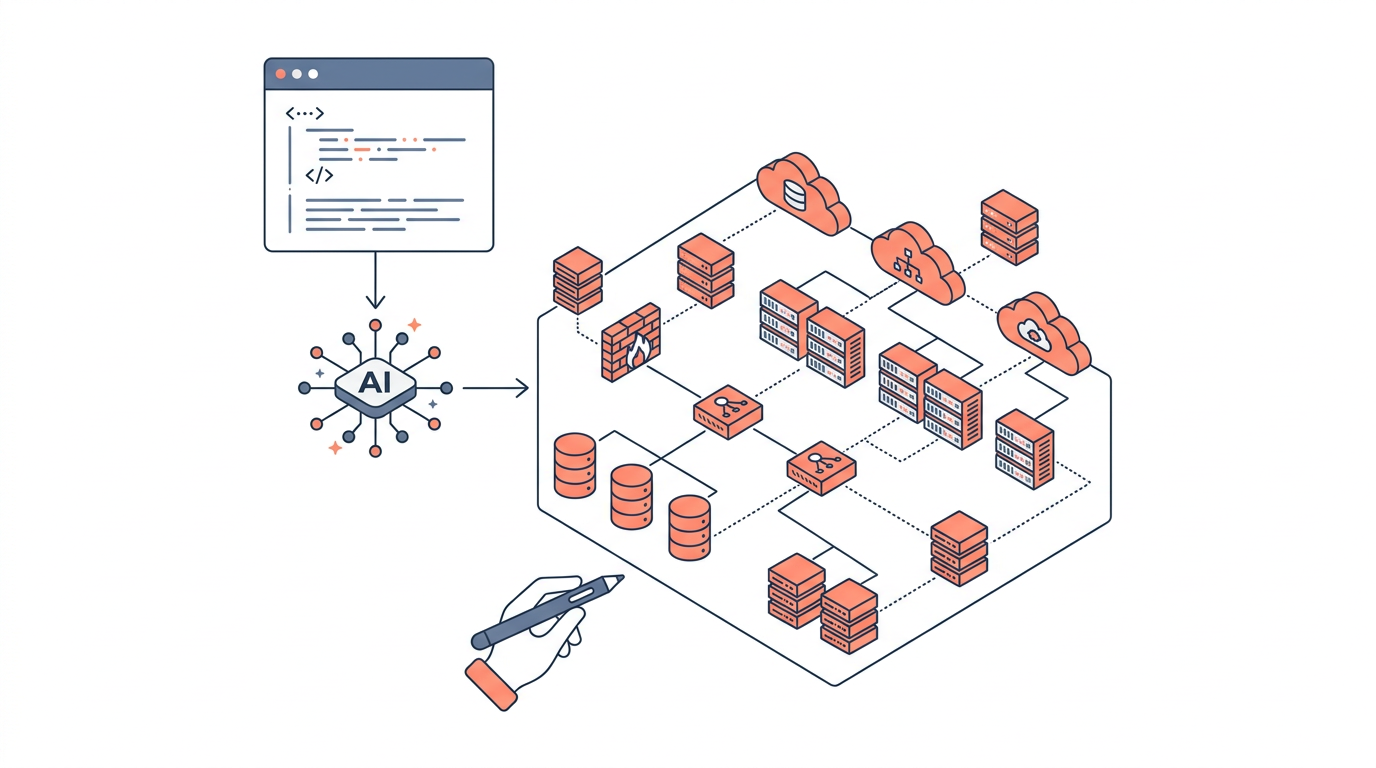
AI-powered tools can generate architecture diagrams from plain-English prompts in seconds, replacing hours of manual diagramming in tools like Visio or Lucidchart. As cloud systems grow more complex — spanning dozens of AWS services, VPCs, and cross-account boundaries — the ability to describe an architecture in natural language and receive a structured, accurate diagram has become genuinely useful rather than just a novelty. This article covers how AI diagram generation works, which tools are worth using in 2026, and how to get the best results for real-world cloud architectures.
What Does "Generate Architecture Diagram Using AI" Actually Mean?
AI architecture diagram generation converts a natural-language description or structured prompt into a visual cloud diagram, typically using a combination of large language models (LLMs) and diagramming engines. The output may be a rendered image, an editable diagram in a proprietary format, or infrastructure-as-code (IaC) that a separate renderer turns into a visual.
There are two distinct technical approaches in use today:
-
LLM-to-diagram-code: The AI model (GPT-4o, Claude 3.5, Gemini 1.5, etc.) interprets your prompt and emits a structured intermediate format — such as Mermaid, PlantUML, Diagrams-as-Code (Python), or a proprietary JSON schema. A rendering engine then converts that code into a visual diagram.
-
End-to-end generation: A purpose-built tool (like draft1.ai) accepts a natural-language prompt and returns a fully rendered, editable diagram directly, without requiring the user to touch any intermediate code.
The distinction matters because LLM-to-diagram-code workflows give you more control over the output format but require familiarity with Mermaid or similar syntaxes. End-to-end tools are faster for non-developers but may have less flexibility.
Why Manual Diagramming Is a Bottleneck in 2026
Manual diagramming tools require architects to drag, drop, and connect every component by hand — a process that doesn't scale when architectures change weekly or need to be documented across multiple teams.
Consider a typical three-tier web application on AWS: an Application Load Balancer (ALB) on port 443, Amazon ECS tasks in private subnets, an Amazon RDS Multi-AZ cluster on port 5432, and Amazon ElastiCache on port 6379. Drawing that accurately in a drag-and-drop tool takes 20–40 minutes. Updating it when the team adds an AWS WAF rule group or an Amazon CloudFront distribution takes another 15 minutes. Multiply that by dozens of services and quarterly reviews, and manual diagramming becomes a real cost.
AI generation collapses that cycle. The same architecture can be described in two sentences and rendered in under 10 seconds.
How to Generate Architecture Diagrams Using AI: Step-by-Step
The quality of an AI-generated architecture diagram is almost entirely determined by the quality of the prompt — specificity about services, connectivity, and data flow produces accurate diagrams; vague prompts produce generic ones.
Step 1: Choose Your Tool
Select a tool based on your workflow:
| Tool | Input Format | Output Format | AWS-Aware | Editable Output |
|---|---|---|---|---|
| draft1.ai | Natural language | Rendered diagram | Yes | Yes |
| ChatGPT / Claude | Natural language | Mermaid / PlantUML code | Partial | Requires renderer |
| Diagrams (Python lib) | Python code | PNG / SVG | Yes | Via code edits |
| Eraser.io | Natural language | Rendered diagram | Partial | Yes |
| Cloudcraft | Manual + AI assist | 3D AWS diagram | Yes | Yes |
Step 2: Write a Precise Prompt
Include the following in your prompt: - Cloud provider (AWS, Azure, GCP, or multi-cloud) - Named services with specifics (e.g., "Amazon EKS cluster with two node groups in private subnets") - Network topology (VPC CIDR, public vs. private subnets, availability zones) - Data flow direction (e.g., "traffic flows from CloudFront → ALB → ECS → RDS") - Security boundaries (security groups, IAM roles, AWS PrivateLink endpoints)
Example prompt:
"Generate an AWS architecture diagram for a serverless API. Include Amazon API Gateway (REST, port 443), AWS Lambda functions in a VPC with private subnets, Amazon DynamoDB with a VPC endpoint, Amazon Cognito for authentication, and AWS CloudWatch for logging. Show data flow from client to API Gateway to Lambda to DynamoDB."
Step 3: Iterate and Refine
AI-generated diagrams rarely need zero edits. Common refinements include: - Adding Availability Zone boundaries to show Multi-AZ deployments - Correcting subnet placement (Lambda in a VPC must be in private subnets, not public) - Adding AWS Shield or AWS WAF at the edge layer - Labeling ports and protocols on connection arrows
Most tools support follow-up prompts like "add a NAT Gateway in each public subnet" or "move the RDS instance into a dedicated database subnet group."
Comparing AI Diagram Generation Approaches
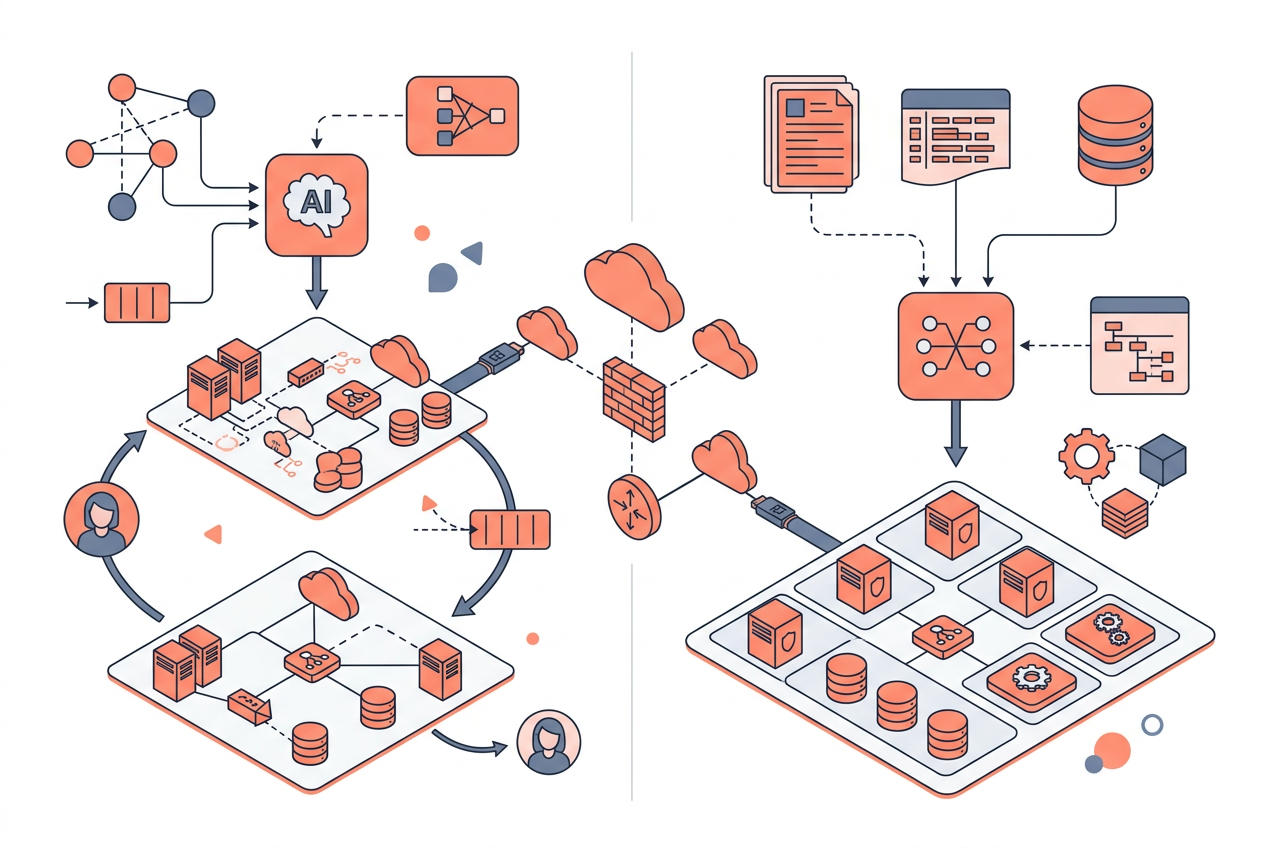
Each approach involves real trade-offs between speed, accuracy, control, and the technical skill required.
| Approach | Speed | Accuracy | Control | Skill Required |
|---|---|---|---|---|
| End-to-end AI tool (draft1.ai) | Very fast | High for AWS | Medium | Low |
| LLM + Mermaid renderer | Fast | Medium | High | Medium |
| LLM + Python Diagrams lib | Moderate | High | Very high | High |
| Manual (Lucidchart / draw.io) | Slow | Depends on user | Very high | Medium |
| IaC-to-diagram (Terraform + tools) | Moderate | Very high | Low | High |
IaC-to-diagram tools (such as Pluralith or Infracost's graph output) deserve a special mention: they parse existing Terraform or CloudFormation and render the actual deployed topology. This is the most accurate approach for documenting existing infrastructure, but it requires IaC to already exist and doesn't help with greenfield design.
Common Mistakes When Using AI to Generate Architecture Diagrams
The most common failure mode is under-specifying the prompt, which causes the AI to generate a plausible-looking but technically incorrect diagram.
Specific mistakes to avoid:
- Omitting network context: Saying "put Lambda in a VPC" without specifying subnets causes the tool to guess, often incorrectly placing functions in public subnets.
- Ignoring service limits: AI tools don't automatically know that Amazon SQS standard queues have a 256 KB message size limit or that AWS Lambda has a 15-minute maximum execution timeout. You need to encode constraints in your prompt or verify them afterward.
- Conflating regions and AZs: A diagram that shows two AZs but a single NAT Gateway is technically valid but architecturally risky. Specify "one NAT Gateway per AZ" explicitly.
- Missing IAM relationships: AI diagrams often omit IAM roles and resource-based policies, which are critical for security reviews. Add "show IAM roles for each service" to your prompt.
- Treating the output as final: AI-generated diagrams should be reviewed by a qualified architect before being used in design reviews or customer-facing documentation.
Integrating AI Diagram Generation Into Your Workflow
The highest-value integration point for AI diagram generation is early in the design phase, where rapid iteration matters most and where manual diagramming creates the most friction.
Practical integration patterns in 2026:
- Design review prep: Use AI to generate a draft diagram from a written RFC or design doc, then refine it before the review meeting.
- Onboarding documentation: Generate architecture diagrams for existing systems by describing them in prose, then use the output as a starting point for wiki documentation.
- Incident post-mortems: Quickly diagram the affected blast radius of an incident by describing the impacted services and their dependencies.
- Customer proposals: Generate high-level architecture diagrams for solution proposals without waiting for a dedicated diagramming session.
Tools like draft1.ai support prompt-to-diagram workflows that fit directly into these patterns, with outputs that can be exported as PNG, SVG, or shared via link.
Key Takeaways
- AI can generate architecture diagrams from natural-language prompts in seconds, making it practical for design iteration, documentation, and onboarding.
- Prompt quality determines diagram accuracy — include service names, network topology, data flow direction, and security boundaries.
- Two main approaches exist: end-to-end AI tools (fastest, easiest) and LLM-to-diagram-code pipelines (more control, more skill required).
- IaC-to-diagram tools are the most accurate for documenting existing infrastructure but require Terraform or CloudFormation to already exist.
- AI-generated diagrams require human review — they can misplace services, omit IAM relationships, or miss architectural best practices.
- The biggest workflow win is using AI diagram generation early in the design phase, where rapid iteration has the highest return.
- draft1.ai and similar purpose-built tools outperform general-purpose LLMs for AWS-specific diagrams because they are trained on cloud service relationships and topology rules.
Frequently Asked Questions
Can AI generate accurate AWS architecture diagrams automatically?
Yes, with a well-specified prompt, AI tools can generate accurate AWS architecture diagrams that correctly represent service relationships, network topology, and data flow. Accuracy degrades significantly with vague prompts or when the prompt omits network context like VPC and subnet placement.
What is the best AI tool to generate architecture diagrams in 2026?
The best tool depends on your workflow: draft1.ai is the strongest option for end-to-end AWS diagram generation from natural language, while ChatGPT or Claude with a Mermaid renderer works well if you need more control over the output format. For existing IaC, tools like Pluralith that parse Terraform are more accurate.
Can I generate a diagram from existing Terraform or CloudFormation code?
Yes. Tools like Pluralith, Infracost, and some IDE plugins can parse Terraform state or CloudFormation templates and render the topology as a diagram. This approach produces the most accurate representation of what is actually deployed.
How do I make an AI-generated architecture diagram production-ready?
Review the output against AWS Well-Architected Framework pillars, verify subnet placement and AZ distribution, confirm IAM roles are represented, add port and protocol labels to connections, and have a qualified solutions architect sign off before using it in design reviews or customer documentation.
Does AI diagram generation work for multi-cloud architectures?
Most purpose-built tools are optimized for a single cloud provider. For multi-cloud diagrams spanning AWS, Azure, and GCP, general-purpose LLMs with Mermaid or PlantUML output currently perform better than specialized tools, though accuracy for cross-cloud service relationships is lower than for single-cloud diagrams.
Are AI-generated architecture diagrams suitable for security reviews?
They can be a useful starting point, but they frequently omit security-critical details like IAM role boundaries, security group rules, VPC endpoint policies, and AWS KMS key relationships. Always supplement AI-generated diagrams with explicit security annotations before a formal security review.
How long does it take to generate an architecture diagram using AI?
End-to-end AI tools like draft1.ai typically render a diagram in 5–15 seconds from a prompt. LLM-to-Mermaid workflows take 10–30 seconds for generation plus additional time to render and review the code. Either approach is dramatically faster than manual diagramming, which typically takes 20–60 minutes for a moderately complex architecture.
Draw this in seconds with draft1. Describe your architecture in plain English and draft1 generates an editable AWS/cloud diagram plus documentation — no dragging boxes around. Try it free.