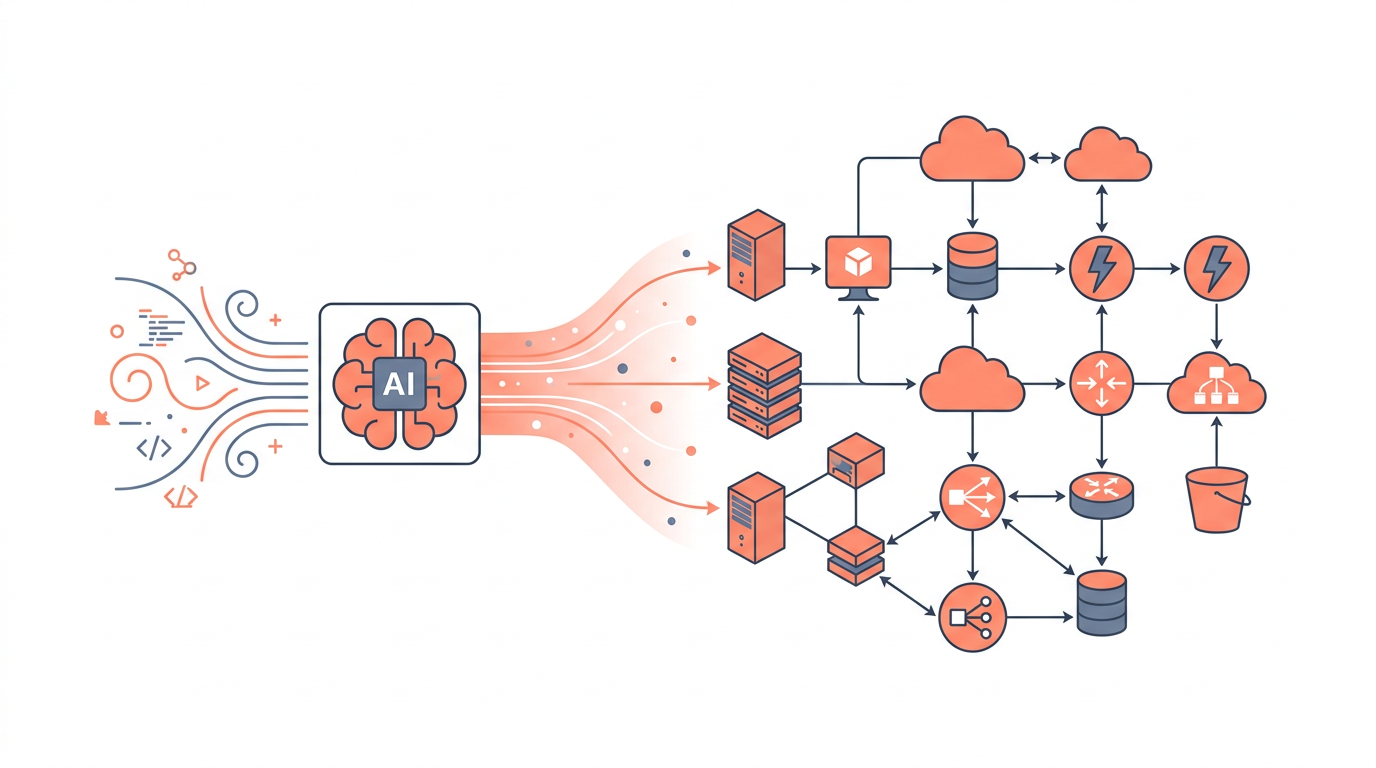
An AI-powered diagram tool automatically generates architecture diagrams, flowcharts, and infrastructure maps from natural-language descriptions, eliminating the hours of manual drag-and-drop work that traditionally slows down cloud design. In 2026, these tools have moved from novelty to necessity for teams shipping infrastructure at speed. This guide covers how they work, which features matter, how leading options compare, and how to choose the right one for your team.
Whether you are a solutions architect documenting a multi-account AWS environment, a DevOps engineer onboarding a new team member, or a student studying for a cloud certification, understanding what separates a genuinely useful AI diagramming tool from a gimmick will save you significant time and money.
What Is an AI-Powered Diagram Tool and How Does It Work?
An AI-powered diagram tool takes a text prompt — or existing infrastructure code — and produces a structured, editable diagram without requiring the user to place a single shape manually. Under the hood, most tools combine a large language model (LLM) for intent parsing with a layout engine (such as Graphviz, ELK, or a proprietary renderer) that positions nodes and edges according to established diagramming conventions.
The typical pipeline looks like this:
- Input — a natural-language prompt ("Draw a three-tier web app on AWS with an ALB, two EC2 instances, and an RDS Multi-AZ cluster"), an IaC file (Terraform, CloudFormation), or an existing diagram file.
- Parsing — the LLM extracts entities (services, connections, regions, availability zones) and relationships (traffic flow, data replication, IAM trust).
- Schema generation — the model outputs a structured intermediate representation (often JSON or a domain-specific graph schema).
- Rendering — the layout engine converts the schema into a visual diagram using official service icons (AWS, Azure, GCP icon sets) and standard notation.
- Edit loop — the user refines with follow-up prompts or direct manipulation.
The quality of step 2 is what separates good tools from great ones. A model that understands that an Application Load Balancer operates at Layer 7, routes to target groups, and belongs inside a VPC will produce a diagram that is architecturally accurate — not just visually pretty.
Core Features to Evaluate in 2026
Not every AI diagramming tool is built for cloud architecture work. The following features are the ones that matter most for engineering teams.
Multi-cloud icon fidelity — Official AWS, Azure, and GCP icon libraries update frequently. A tool that ships stale icons erodes trust in diagrams used for customer-facing documentation.
IaC round-tripping — The best tools can both import Terraform or CloudFormation to generate a diagram and export a diagram back to IaC scaffolding. This closes the loop between design and deployment.
Prompt-to-diagram accuracy — Test with a specific prompt that includes edge cases: cross-region replication, private subnets, NAT Gateways, and security group boundaries. Vague or topologically incorrect output is a red flag.
Collaboration and versioning — Teams need real-time co-editing (similar to Figma's model), comment threads, and diagram version history integrated with Git or Confluence.
Export formats — PNG and PDF are table stakes. SVG, draw.io XML, Mermaid, and Structurizr DSL exports are what power users need for embedding in wikis and CI/CD pipelines.
Security and data residency — Prompts describing your infrastructure contain sensitive topology data. Understand whether the tool sends prompts to a third-party LLM API and whether that data is used for model training.
Comparison of Leading AI-Powered Diagram Tools in 2026
The table below compares the most widely used options across the dimensions that matter most to cloud practitioners.
| Tool | AI Input Methods | Cloud Icon Libraries | IaC Import/Export | Collaboration | Pricing Model |
|---|---|---|---|---|---|
| draft1.ai | Prompt, IaC file | AWS, Azure, GCP (2026 sets) | Terraform in, CF in | Real-time multi-user | Per-seat SaaS |
| Eraser | Prompt, code | AWS, Azure, GCP | Limited | Real-time | Free tier + Pro |
| Diagrams.net + AI plugin | Prompt (plugin) | AWS, Azure, GCP | CF import | Async (XML share) | Free / self-host |
| Lucidchart AI | Prompt, template | AWS, Azure | None | Real-time | Per-seat SaaS |
| Mermaid + LLM | Prompt (via ChatGPT/Claude) | None (text only) | None | Git-based | Free (OSS) |
Notes on the table: "IaC Import" means the tool can parse an existing infrastructure file and render a diagram from it. "CF" = AWS CloudFormation. Pricing models shift frequently; verify current tiers on each vendor's site before purchasing.
How draft1.ai Approaches AI-Powered Diagramming
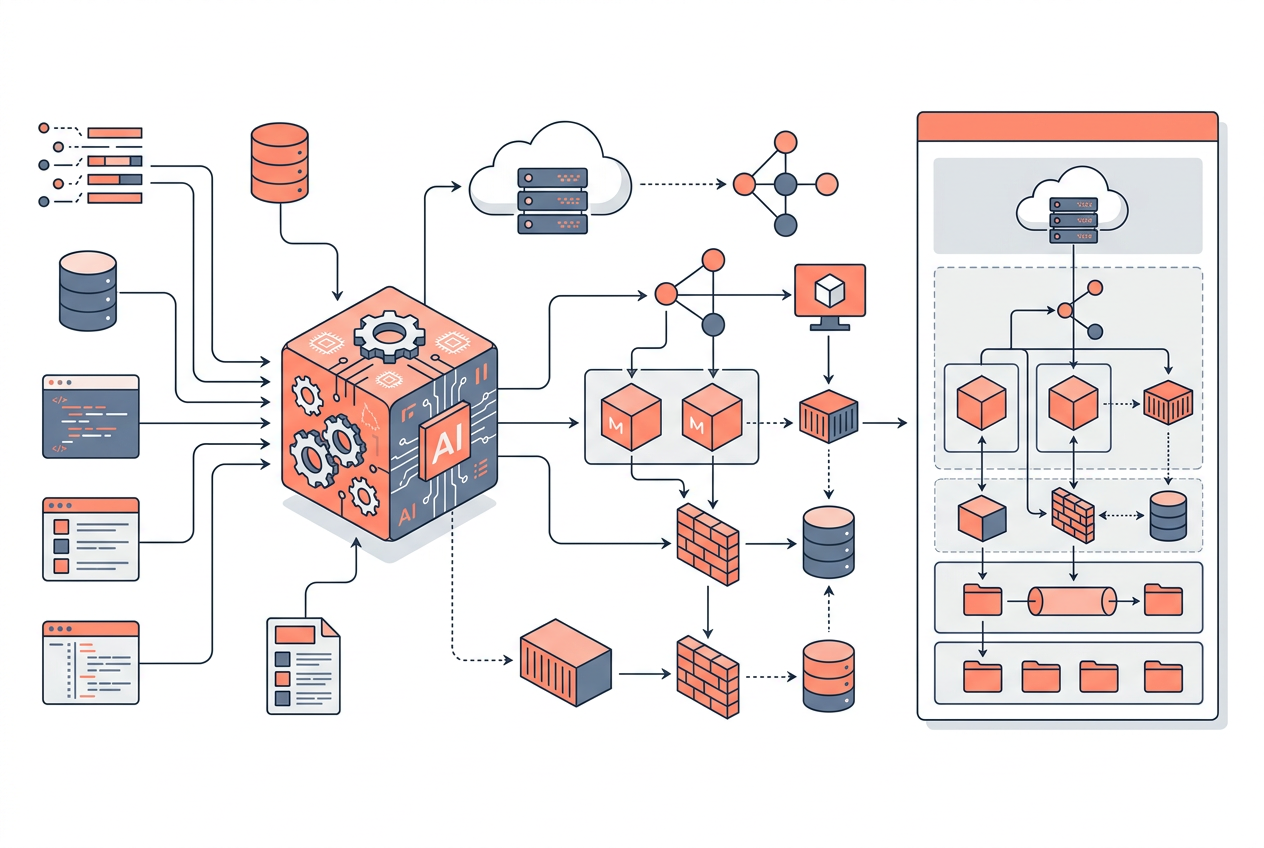
draft1.ai is purpose-built for cloud architecture diagrams, which means its LLM is fine-tuned on AWS, Azure, and GCP service relationships rather than being a general-purpose code assistant with a diagram plugin bolted on. When you type a prompt like "Design a serverless data pipeline that ingests from Kinesis Data Streams, processes with Lambda, stores raw data in S3, and queries with Athena," draft1.ai understands the event-source mapping between Kinesis and Lambda, the correct IAM execution role boundary, and the S3 bucket policy relationship with Athena — and renders all of that topologically correctly.
The tool also supports iterative refinement: follow-up prompts like "Add a Dead Letter Queue for failed Lambda invocations" update the existing diagram rather than regenerating from scratch, preserving any manual layout adjustments the user has made. This is a meaningful UX distinction because regenerating from scratch is the failure mode that makes AI tools feel unreliable in practice.
Common Use Cases and When Each Approach Fits
Greenfield architecture design — Start with a prompt. An AI-powered diagram tool lets you explore multiple architectural patterns quickly (serverless vs. containerized, single-region vs. multi-region) before committing to one. The speed advantage over manual tools is significant: a prompt-to-diagram cycle takes seconds versus 20–40 minutes of manual layout.
Documenting existing infrastructure — Import your Terraform state or CloudFormation template. The AI parses resource blocks, infers relationships (e.g., a aws_lb_target_group_attachment connecting an ALB to an EC2 instance), and produces a diagram that reflects what is actually deployed, not what someone thought was deployed six months ago.
Incident response and runbooks — During an outage, a diagram that shows traffic flow, dependency chains, and failure domains is more useful than a wall of text. Teams that maintain AI-generated diagrams alongside their runbooks report faster mean-time-to-resolution because engineers can visually trace the blast radius of a failing component.
Compliance and audit documentation — Regulated industries (finance, healthcare) require architecture diagrams as part of SOC 2, HIPAA, and PCI-DSS audit packages. AI tools that can regenerate diagrams on demand from IaC ensure that documentation stays current with the actual deployed state.
Education and certification prep — Cloud certification candidates use AI diagramming tools to visualize exam scenarios. Prompting "Draw the architecture for a highly available WordPress site on AWS using the Well-Architected Framework" and then studying the output is a faster learning loop than reading static documentation.
Trade-offs and Limitations to Understand
AI-powered diagram tools are not perfect, and honest evaluation requires acknowledging their limitations.
Accuracy ceiling — LLMs can hallucinate service relationships. A model might connect an AWS Lambda function directly to an RDS instance without showing the required VPC configuration, NAT Gateway, or security group rules. Always review AI-generated diagrams against AWS documentation for production use.
Prompt engineering overhead — Getting a precise diagram sometimes requires a precise prompt. Teams that invest in a shared prompt library (stored in a wiki or Git repo) get dramatically more consistent output than teams that write ad-hoc prompts every time.
Icon and service lag — AWS releases new services and updates icon sets multiple times per year. Tools that rely on static icon libraries will show outdated icons for newer services like Amazon Bedrock, AWS Application Composer, or Amazon Q until the vendor ships an update.
Vendor lock-in on diagram formats — If your diagrams are stored in a proprietary format, switching tools means losing your diagram history. Prefer tools that export to open formats (SVG, draw.io XML, Mermaid).
Key Takeaways
- An AI-powered diagram tool converts natural-language prompts or IaC files into editable cloud architecture diagrams in seconds, not hours.
- The most important quality signal is topological accuracy — does the tool understand service relationships, not just service names?
- IaC round-tripping (import Terraform/CloudFormation, export scaffolding) is the feature that closes the gap between design and deployment.
- Always verify AI-generated diagrams against official AWS, Azure, or GCP documentation before using them in production or compliance contexts.
- Data residency and prompt privacy are non-negotiable concerns; understand whether your infrastructure topology data is sent to third-party APIs.
- A shared prompt library dramatically improves consistency and reduces the prompt engineering overhead for teams using these tools at scale.
- Open export formats (SVG, draw.io XML, Mermaid) protect against vendor lock-in and enable embedding diagrams in CI/CD pipelines and wikis.
Frequently Asked Questions
What is an AI-powered diagram tool?
An AI-powered diagram tool is software that uses a large language model to interpret natural-language descriptions or infrastructure code and automatically generate architecture diagrams, flowcharts, or network maps. Unlike traditional diagramming tools that require manual shape placement, AI tools produce a complete diagram from a single prompt. The best tools are fine-tuned on cloud service relationships to produce topologically accurate output.
How accurate are AI-generated cloud architecture diagrams?
Accuracy varies significantly by tool and prompt specificity. Purpose-built cloud diagramming tools with domain-fine-tuned models produce more accurate diagrams than general-purpose LLMs with diagram plugins, particularly for complex scenarios involving VPC networking, IAM boundaries, and cross-service integrations. Always treat AI output as a first draft and validate against official service documentation before using diagrams in production or audit contexts.
Can AI diagram tools import existing Terraform or CloudFormation files?
Several tools, including draft1.ai, support importing Terraform HCL and AWS CloudFormation YAML/JSON to generate diagrams from existing infrastructure definitions. This is one of the most valuable use cases because it produces documentation that reflects what is actually deployed rather than what was originally planned. The quality of import depends on how completely the tool's parser handles provider-specific resource types and cross-resource references.
Is my infrastructure data safe when using an AI diagramming tool?
This depends entirely on the tool's architecture. Some tools send your prompts and IaC files to third-party LLM APIs (OpenAI, Anthropic, Google) and may use that data for model training unless you opt out. Others process data in-region or offer private deployment options for enterprise customers. Before using any AI diagramming tool with real infrastructure descriptions, review the vendor's data processing agreement and confirm whether prompts are used for training.
What export formats should I look for?
At minimum, look for PNG, SVG, and PDF export. For engineering teams, the more valuable formats are draw.io XML (editable in diagrams.net), Mermaid (embeddable in Markdown and GitHub), and Structurizr DSL (for C4 model diagrams). SVG is the most portable format for embedding in wikis and documentation sites because it scales without quality loss and can be version-controlled as text.
How does an AI diagram tool differ from Lucidchart or draw.io?
Traditional tools like Lucidchart and draw.io are manual diagramming environments where the user places and connects shapes. AI-powered tools add a natural-language interface that generates the initial diagram automatically. Many AI tools also offer manual editing after generation, so the distinction is increasingly about the starting point — prompt vs. blank canvas — rather than a fundamental difference in editing capability.
What is the best AI-powered diagram tool for AWS architecture in 2026?
The best tool depends on your specific needs. draft1.ai is purpose-built for cloud architecture with accurate AWS, Azure, and GCP service knowledge and IaC import support, making it strong for professional architects. Eraser suits developer teams that want lightweight diagramming alongside code. Mermaid with an LLM is the best free option for teams comfortable with text-based diagrams in Git. Evaluate any tool with a representative prompt from your actual workload before committing to a subscription.
Draw this in seconds with draft1. Describe your architecture in plain English and draft1 generates an editable AWS/cloud diagram plus documentation — no dragging boxes around. Try it free.